
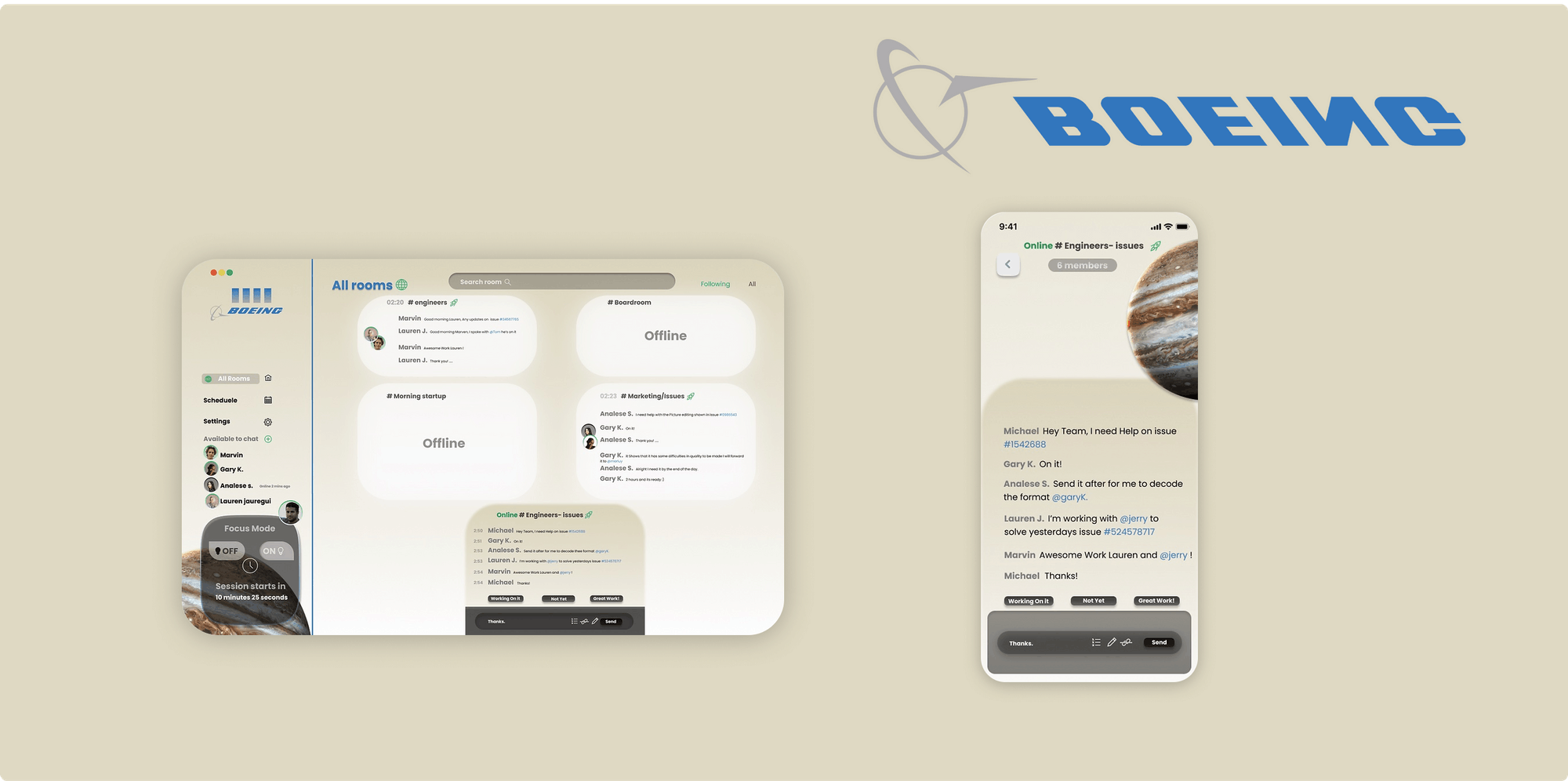

OVERVIEW
Task given during the google design sprint; create a web chat app for Boeing or any other Government related agency
Duration
March 2021
My Tasks
Problem analysis
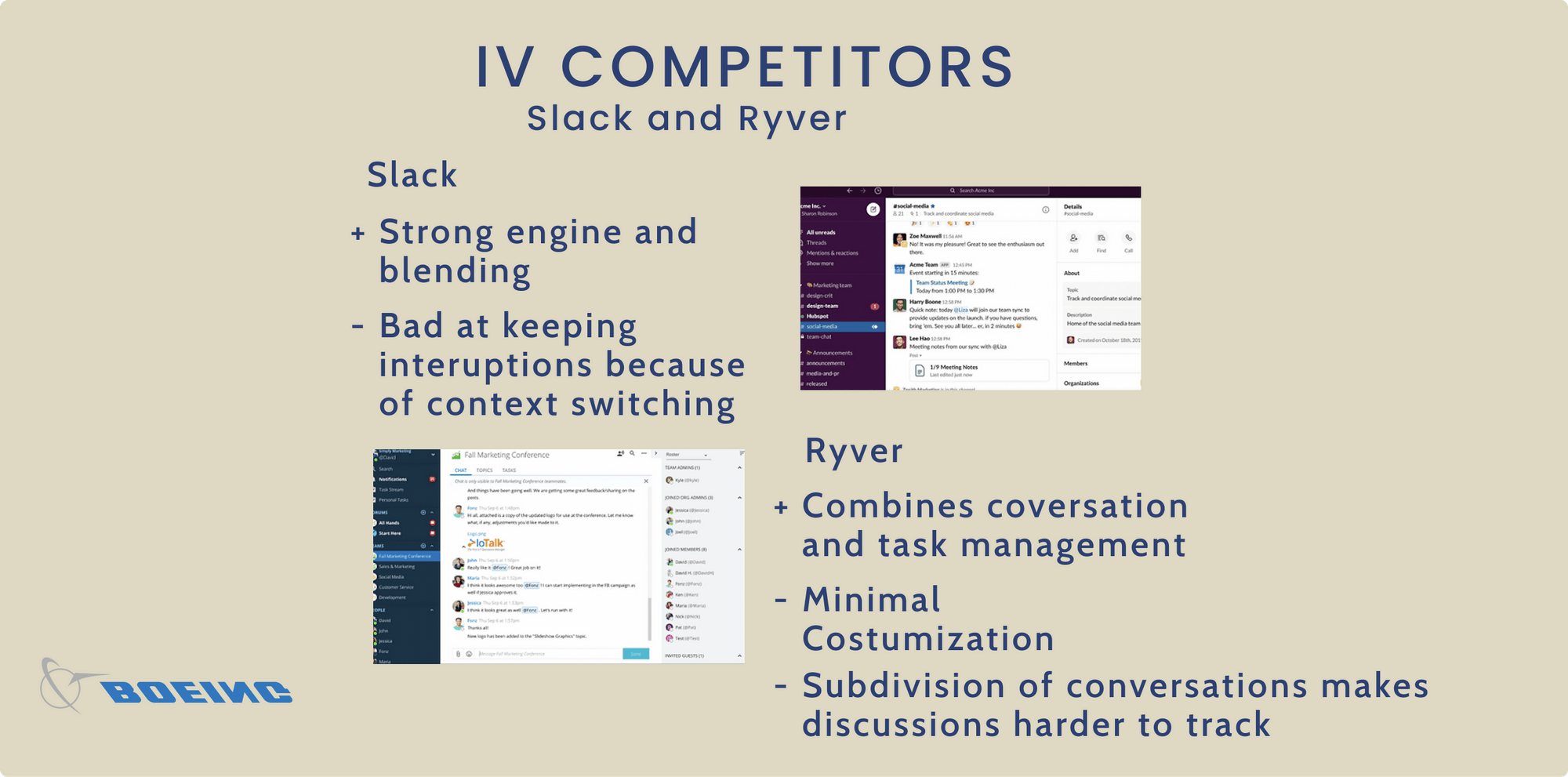
Competitive analysis
Brainstorming
Creating a visual style-guide
High-fidelity prototypes

The Challenge
create two screens for a web chat app that would be used by Boeing. I needed to figure out the problem without any further information.
The Journey
I spent more time figuring out why would an agency like Boeing use an in house web chat app in the first place, why not use Slack, Flock or Ryver.
The Outcome
presentation and explaining my design decisions and my design sprint process.
I. design task overview
Task I - Design and explain
create a web chat app for Boeing or any other Government related agency. One for a mobile device and another for desktop = 2 screens
Task II - How to proceed
A paragraph or two describing very shortly the steps/processes that would be necessary to improve the app. (testing, wire-framing, low-mid-high fidelity, analyzing etc)
II Why would Boeing need an internal web chat app?
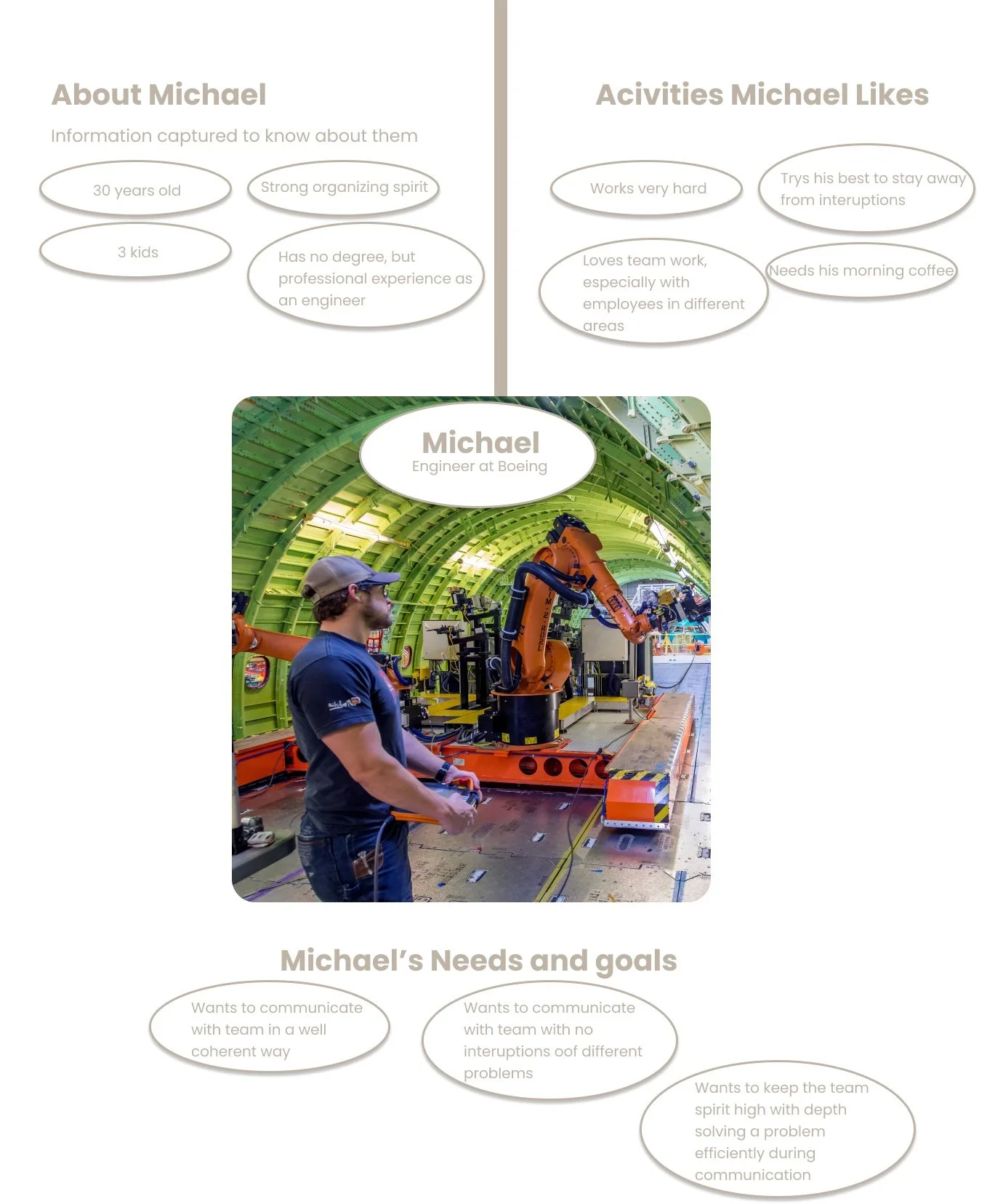
I kept on asking why would boeing need a internal web chat app when slack and ryver exist. So I tried figuring out what it’s like to work for the company? For that reason I digged deep and searched and started reading whats its like to work for Boeing through creating a persona.
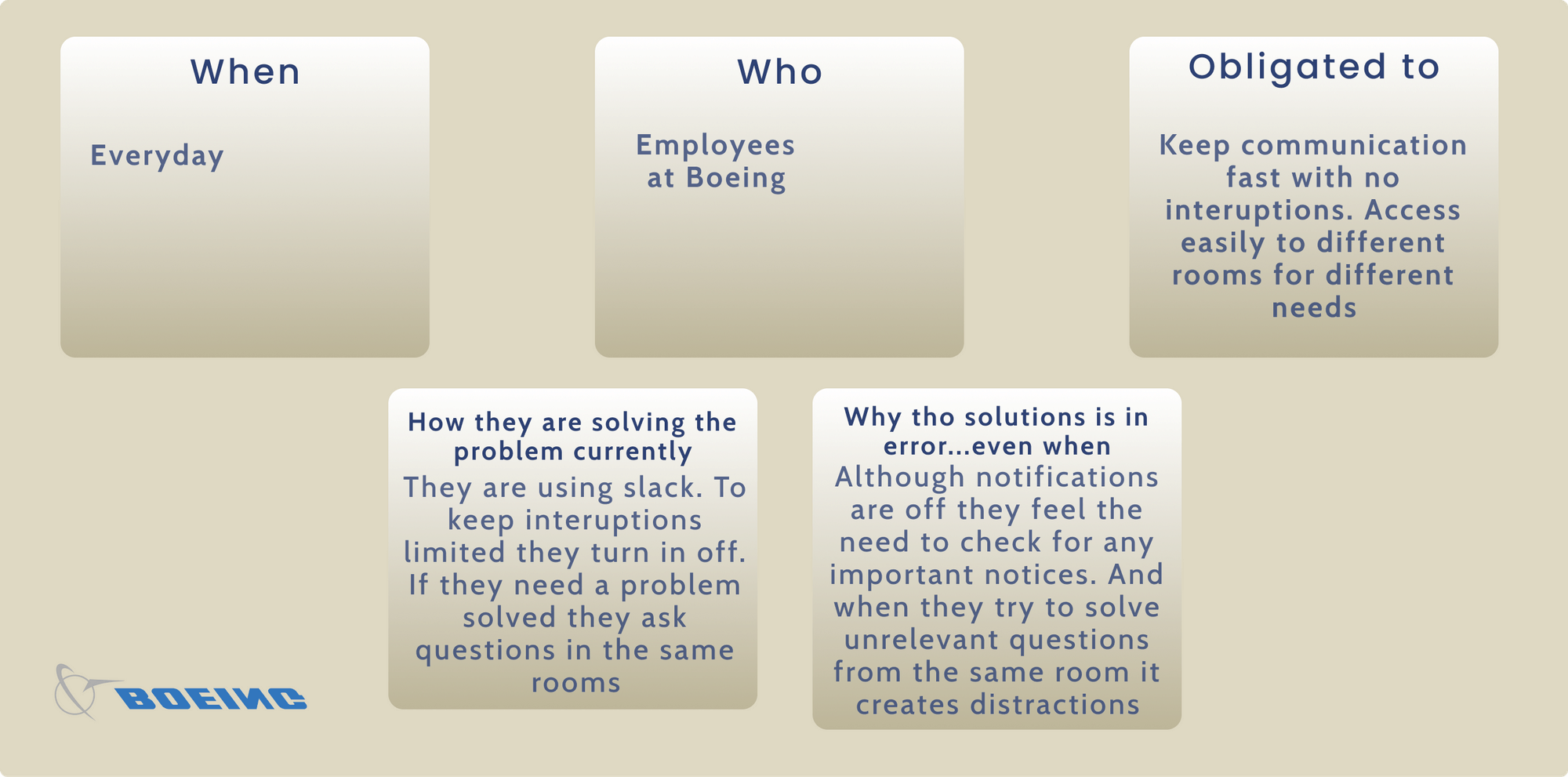
III Setting up goals for the app
I then started to write some goals for the app, to have a more plain but strong and direct direction. Having the criteria in my mind at all times made sure that I didn't accidentally shift the focus mid-design. The criteria is based on the previous research.
Designed for professional use
trade information and ideas with workmates and in teams
Plain and mellow but accurate
trade information and ideas with workmates and in teams easily and affectively
Enabling and not deflecting
keep up app for the genius minds in the world to assist them force the boundaries and make the unattainable attainable
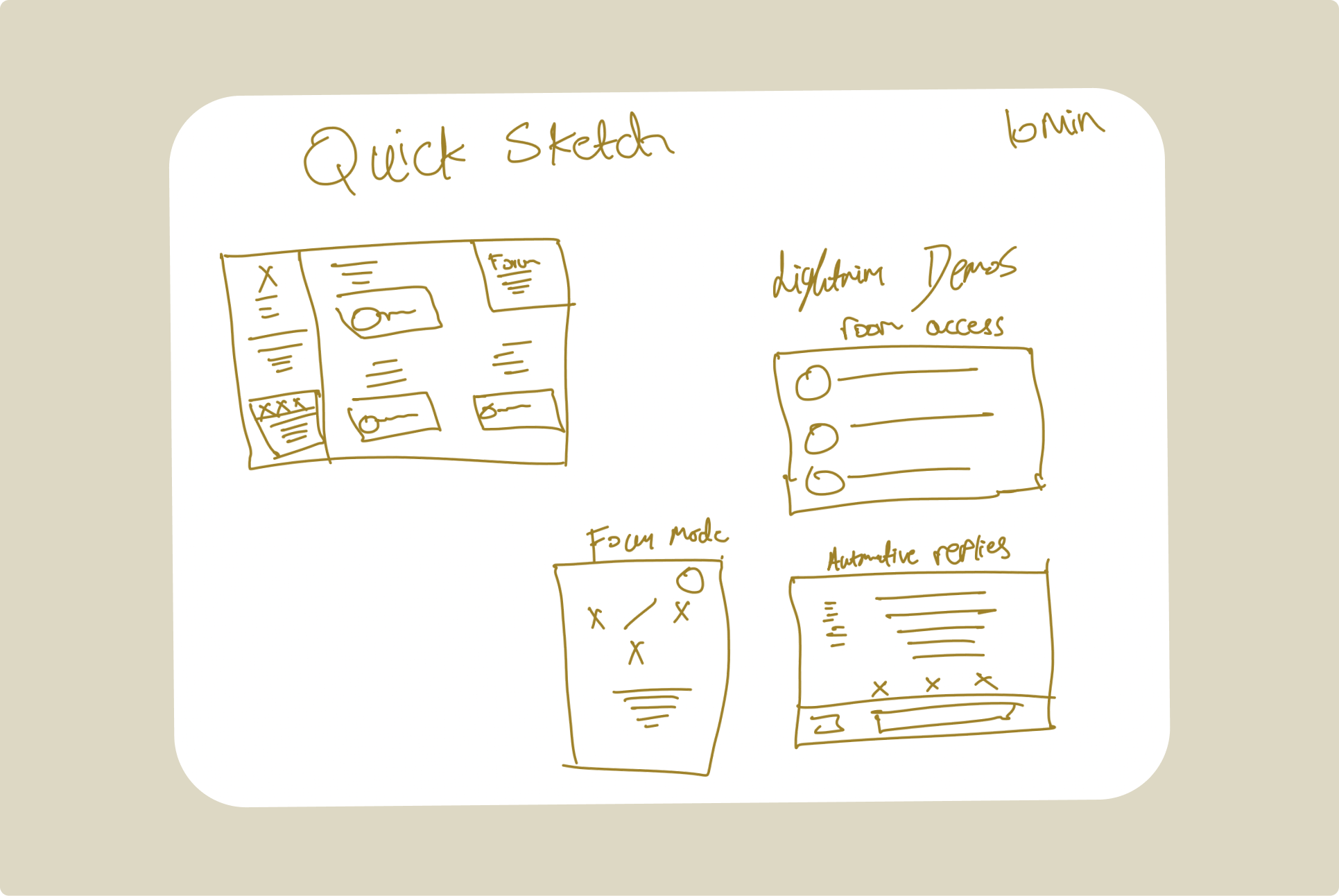
V Sketch the solution based on app criteria
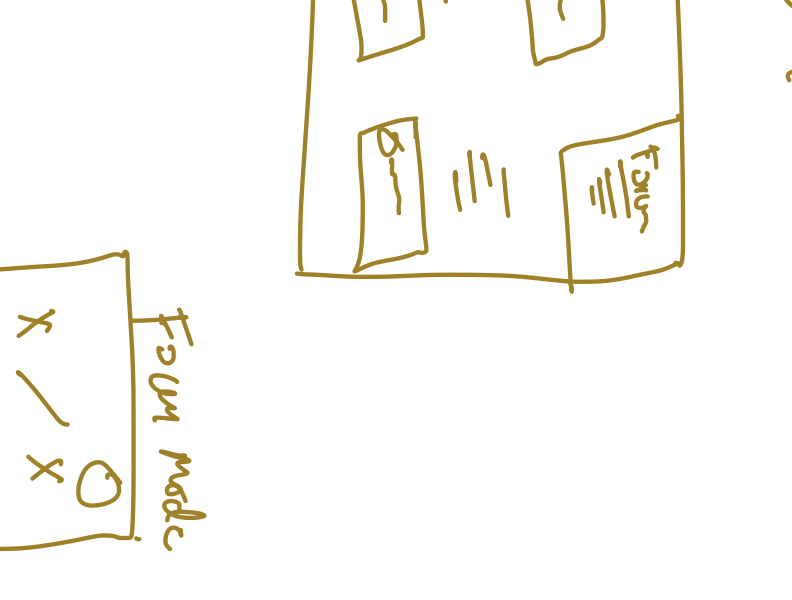
Started with sketching Lightning Demos then quickly sketched great ideas used in other web chat apps.
I then started sketching practicable layouts then decided to come after regular web chat app layout to understand all basic, pro and amazing layouts.
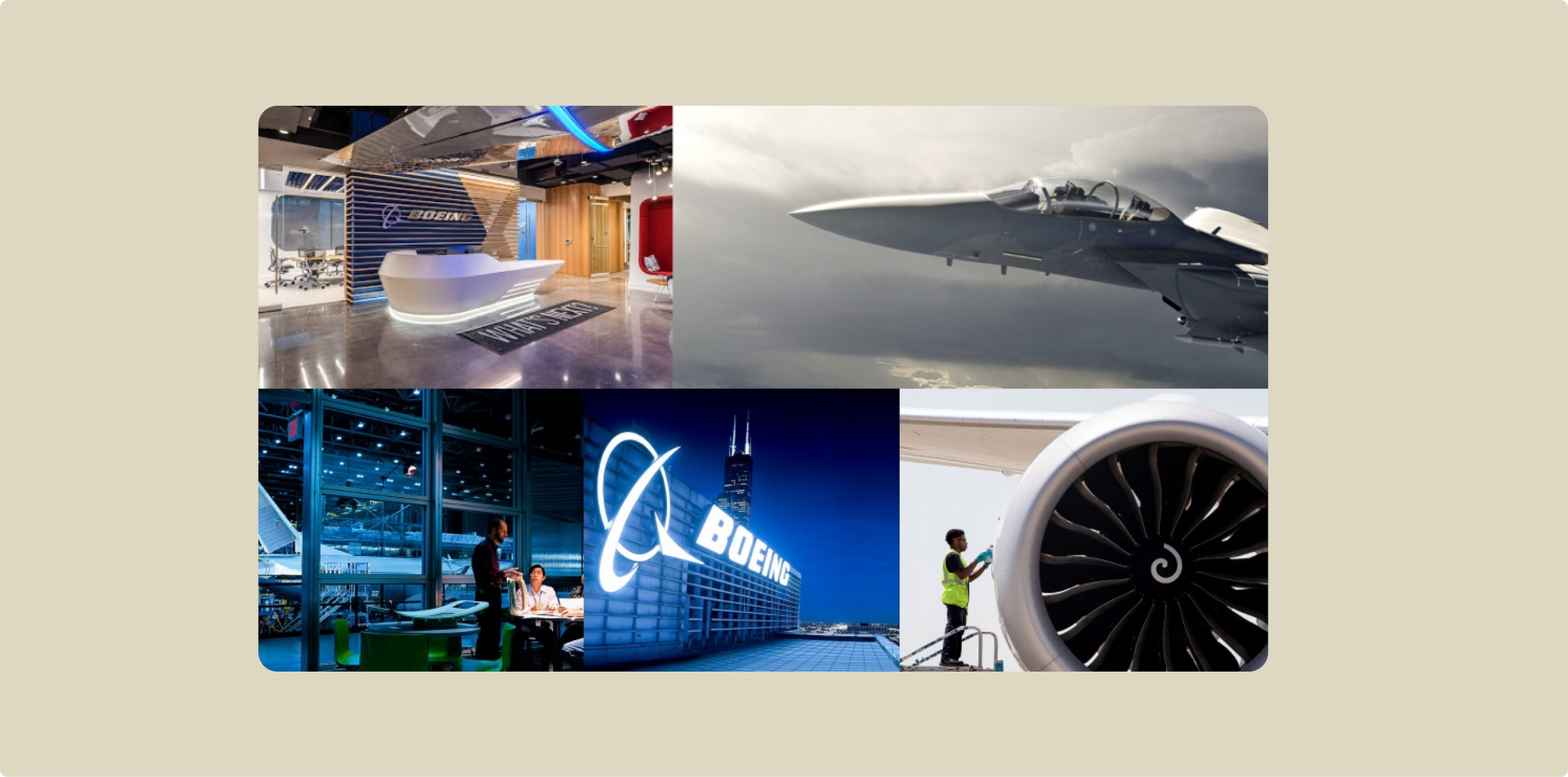
VI Making the visuals (mood-board)
the visual UI side; I gathered visuals from Boeing and other flying agencies web sites and put together a mood board to inspire the design.
VII Final showcase
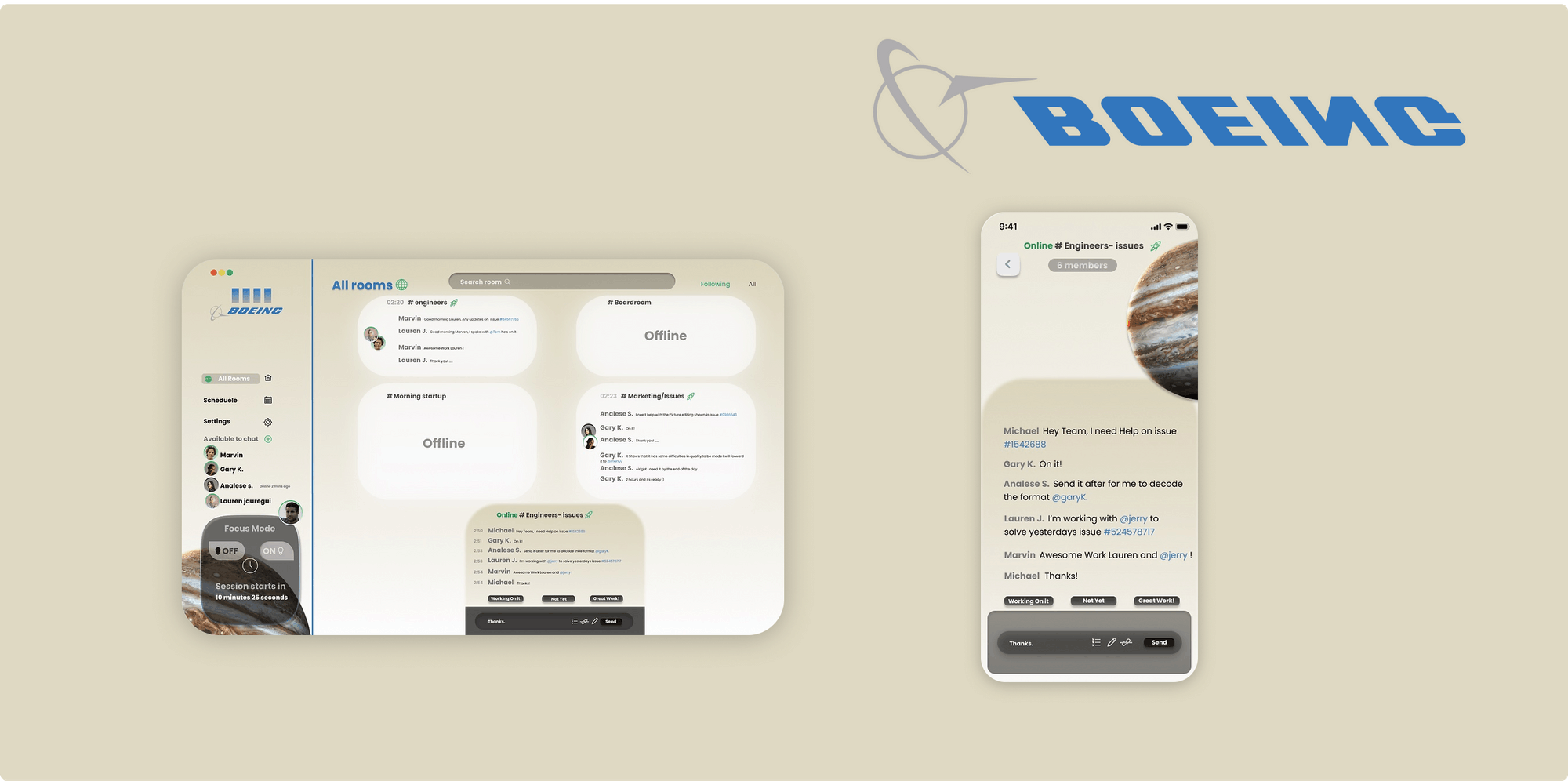
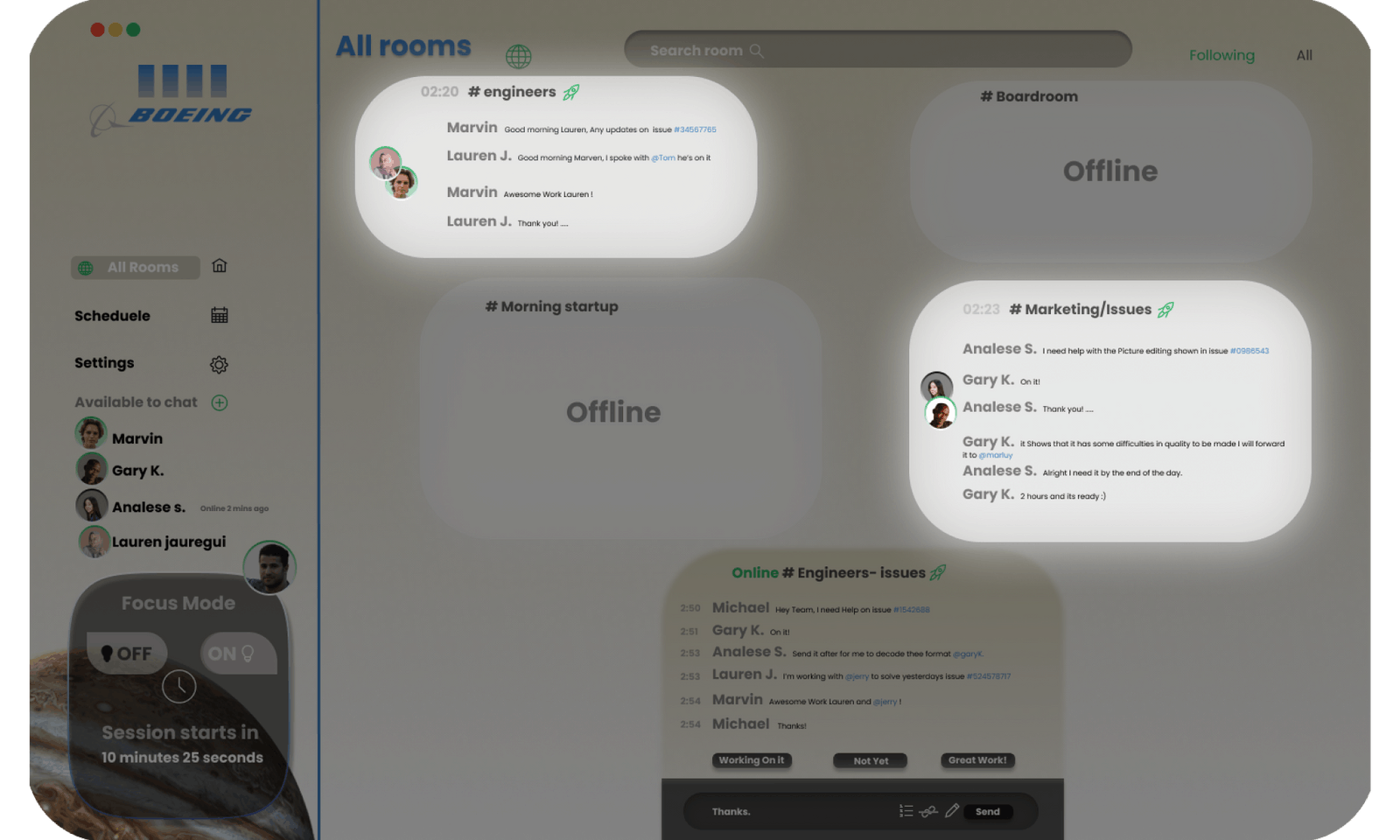
Different room access
This feature allows employees to access different chat rooms for their specific case problem to eliminate any confusion and disruption with other different case problems in chat.
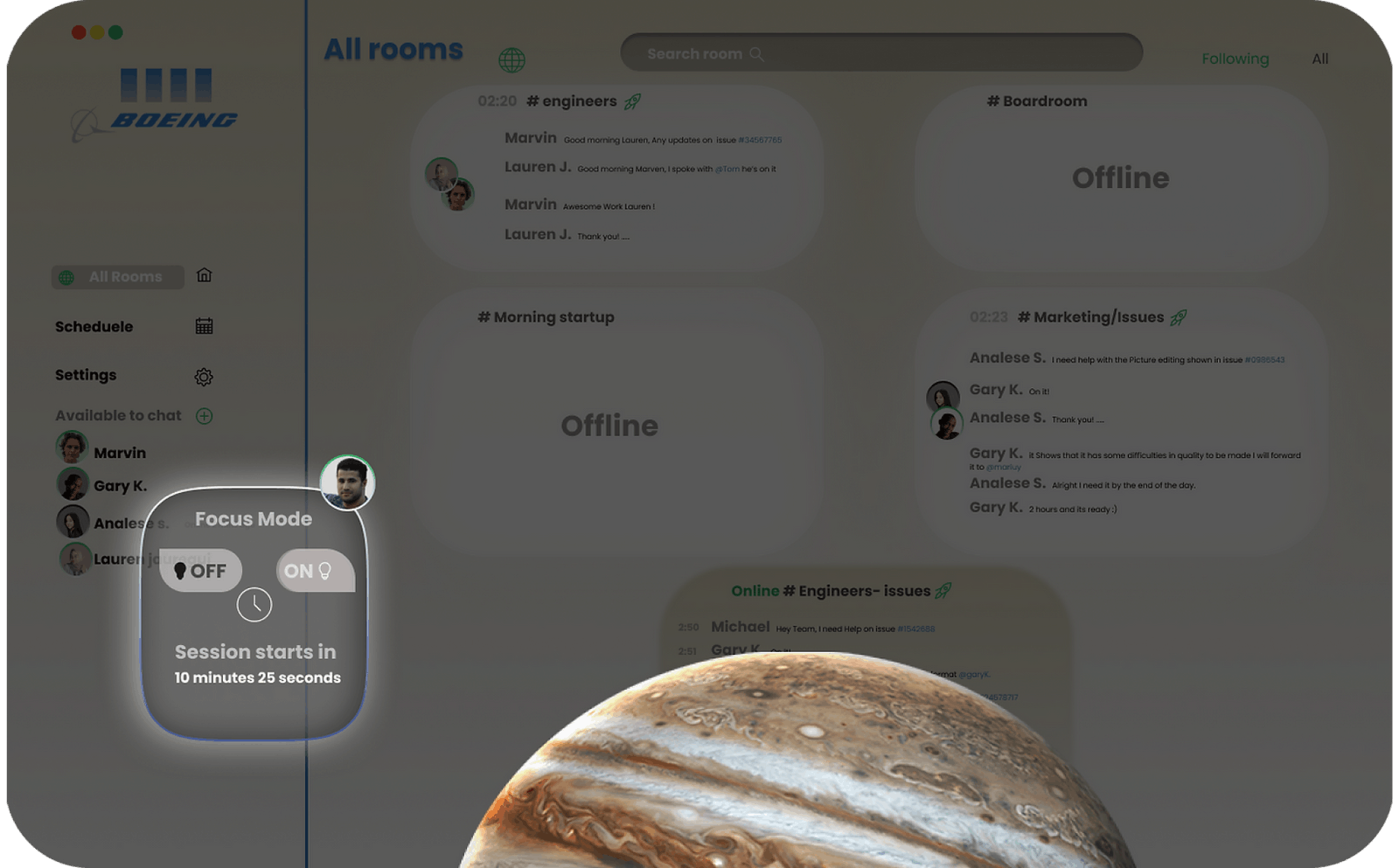
Focus Mode
Removing interruptions and to allow access for the employees to focus on their problems with focus mode. Employees won’t get any notifications, and they cant see what’s going in the chat rooms.
This blocks user from checking the chat and enables them to work more productively with no interruptions
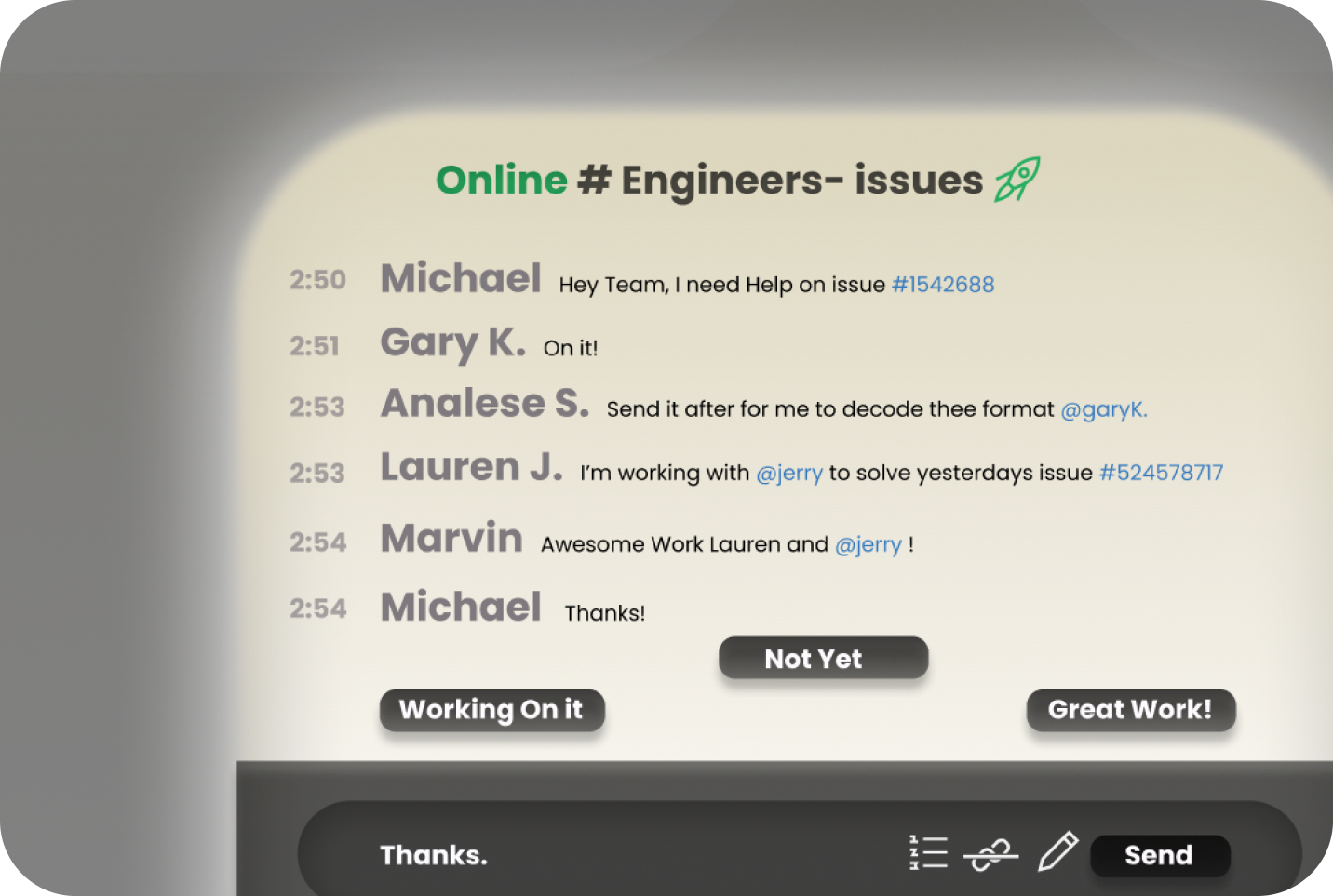
Automative Replies
Making the communication efficient with automative replies.